Use Cases

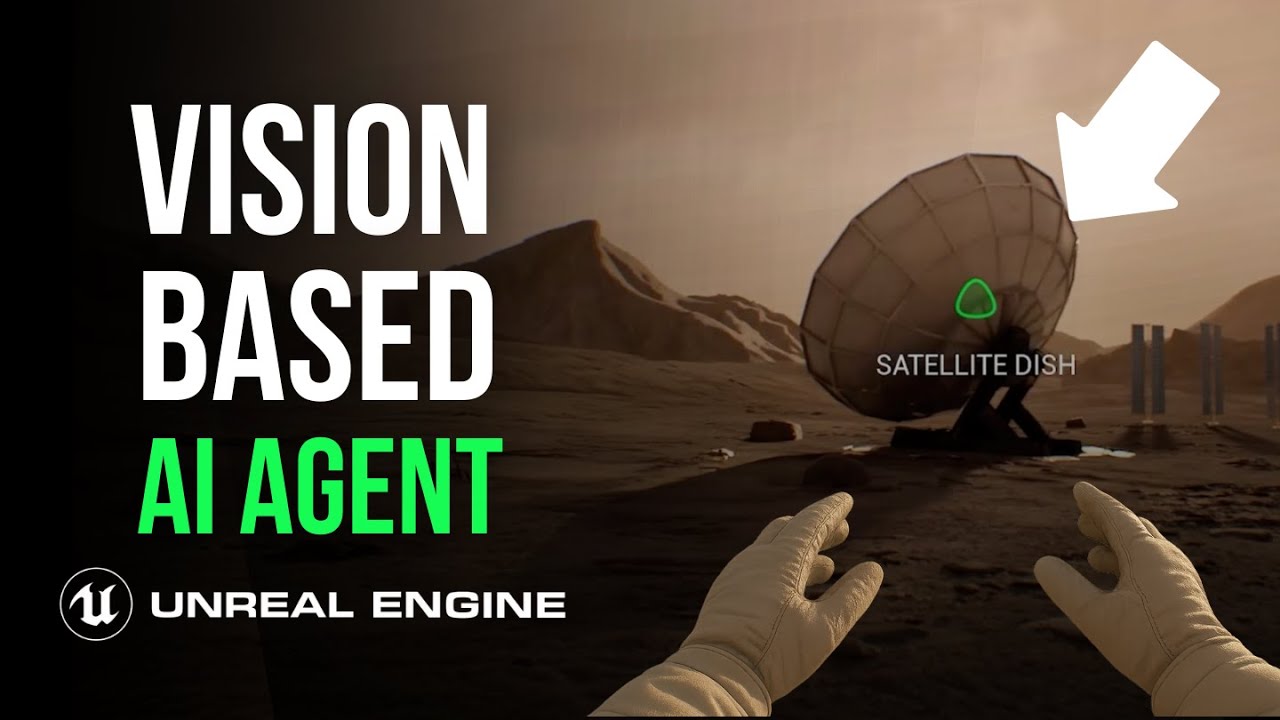
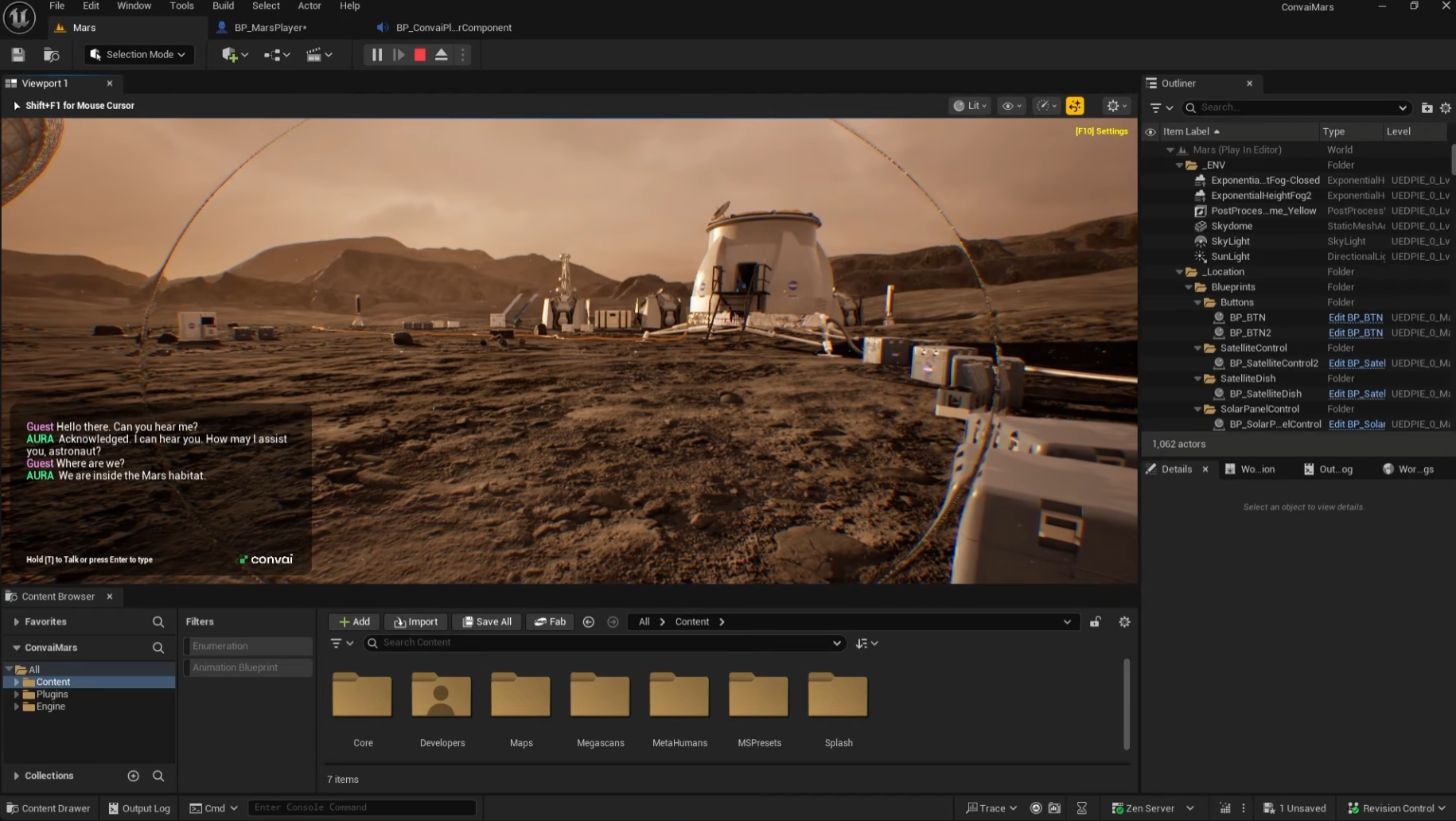
You’re on Mars. The solar network is down, comms are failing, and an AI voice in your suit says:
“Your mission objectives are to repair the solar power network. Can you do a quick check on the main panel?”
You look up at the array and ask: "Hey, what is that?"
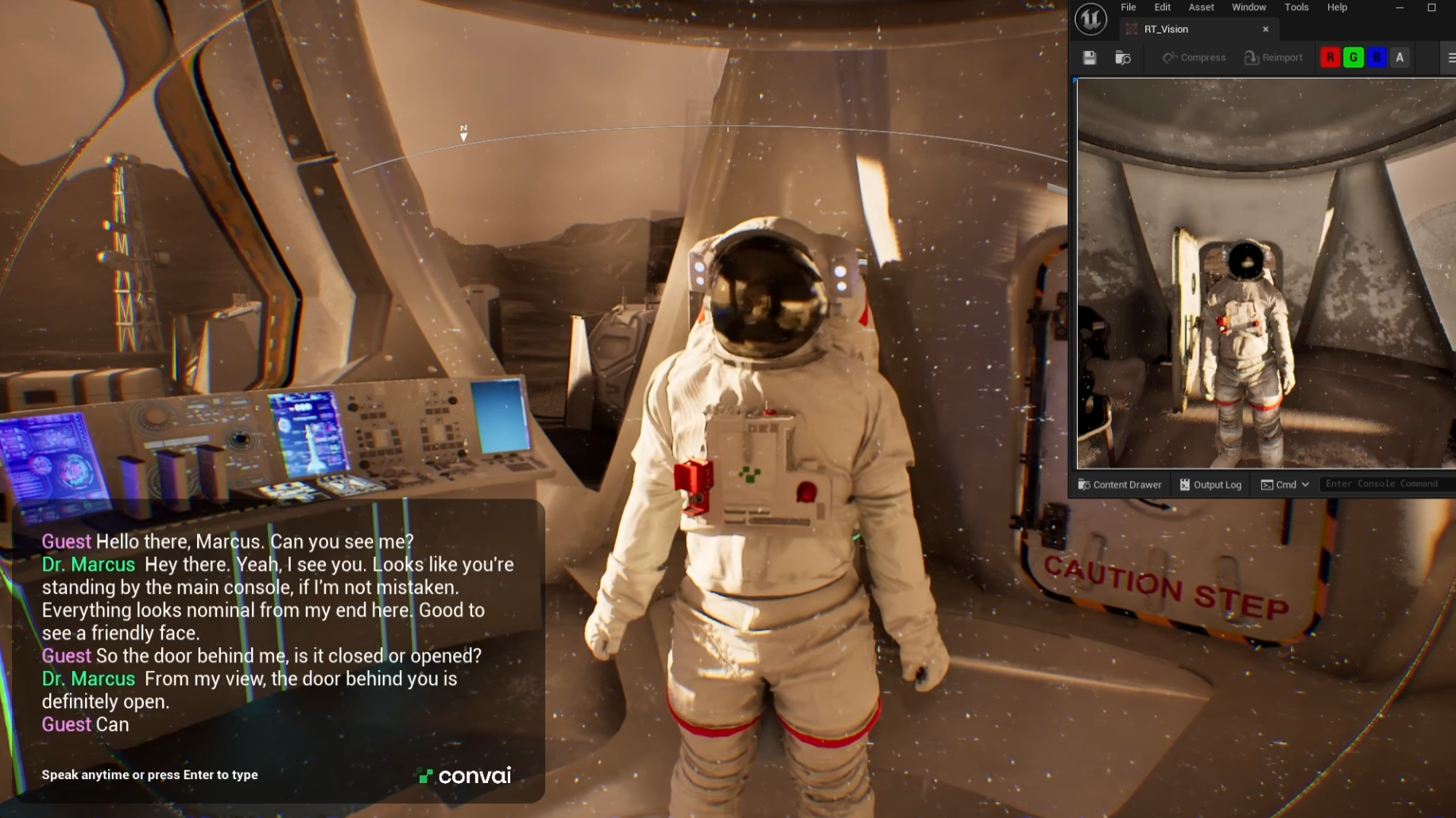
The AI answers based on what it sees from your helmet camera, and you never touch a key.
This is what Convai’s Unreal Engine plugin (Beta) is built for: streaming vision input + hands-free voice. It lets you build an AI character that can see the world and talk you through it in real time.
In this guide, we’ll walk through exactly how to build that experience:
See it in action in the detailed walkthrough below:
Conceptually, you’re dropping a Jarvis-style assistant inside your character. It lives in the same blueprint, sees what the player sees, and talks them through missions.
Powered by the Live Character API (WebRTC), you get:
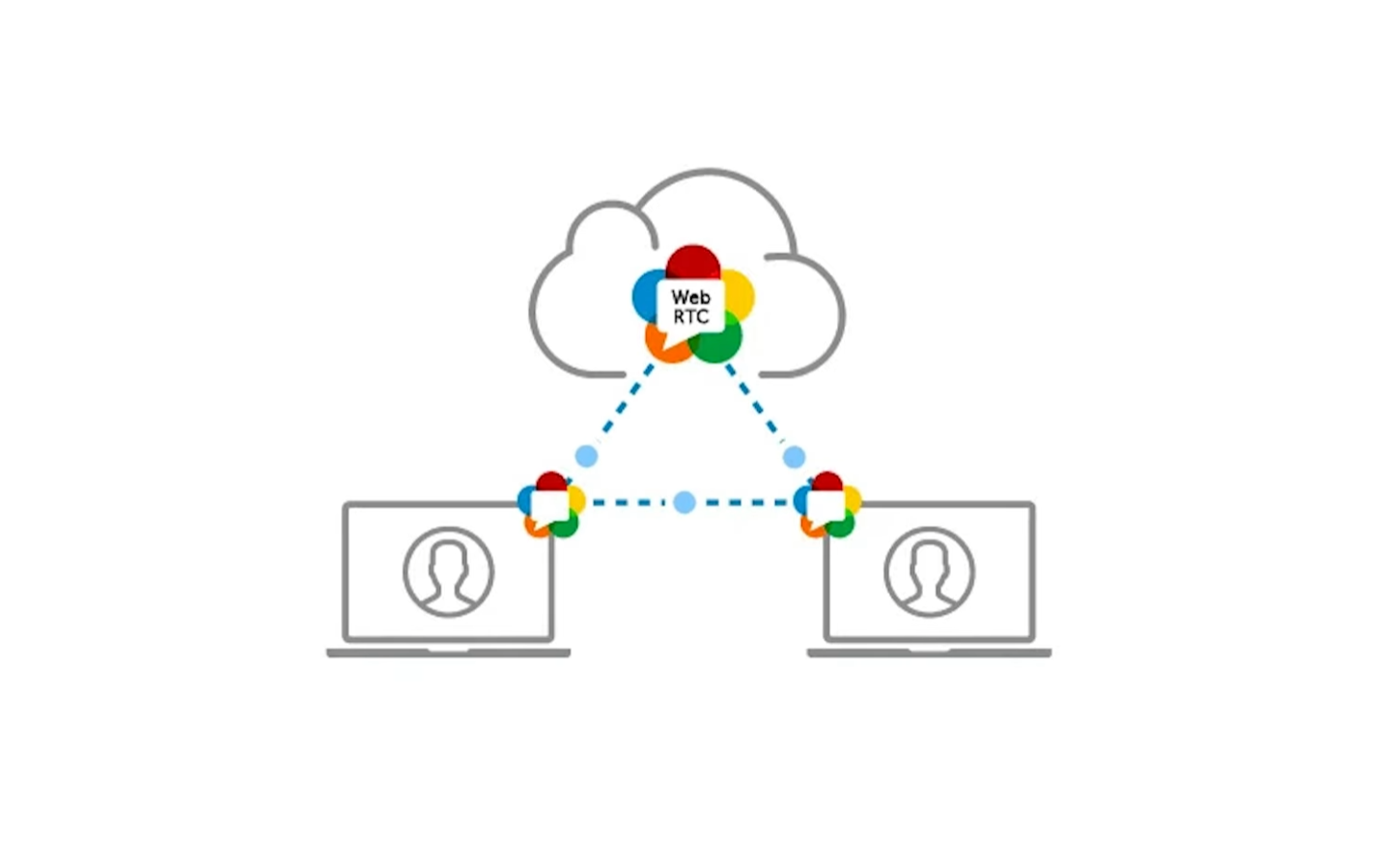
(Note: This is a Beta plugin. Lip-sync isn’t supported just yet, but the core brain/vision loop is ready to rock.)
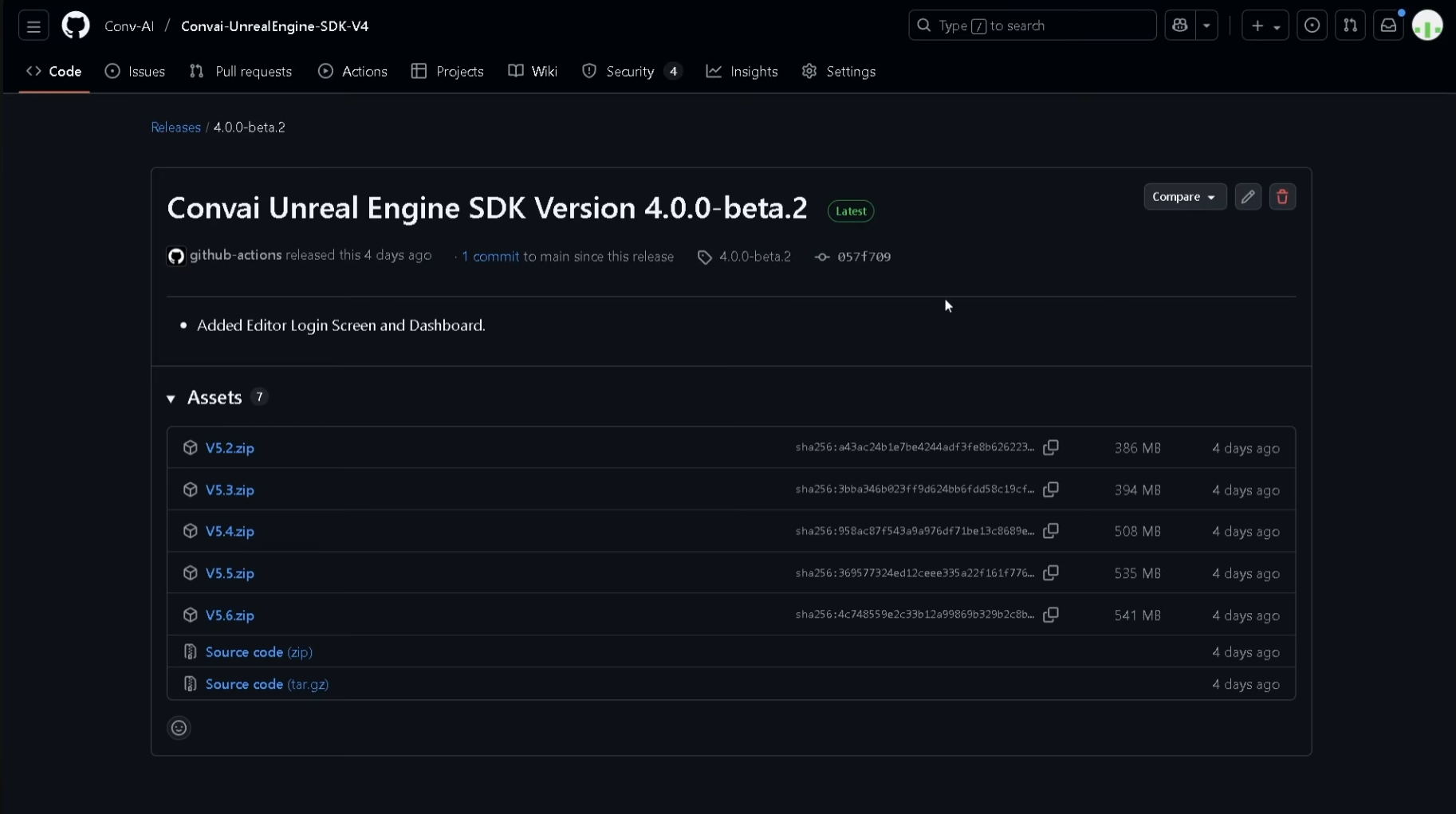
You only have to do this once.
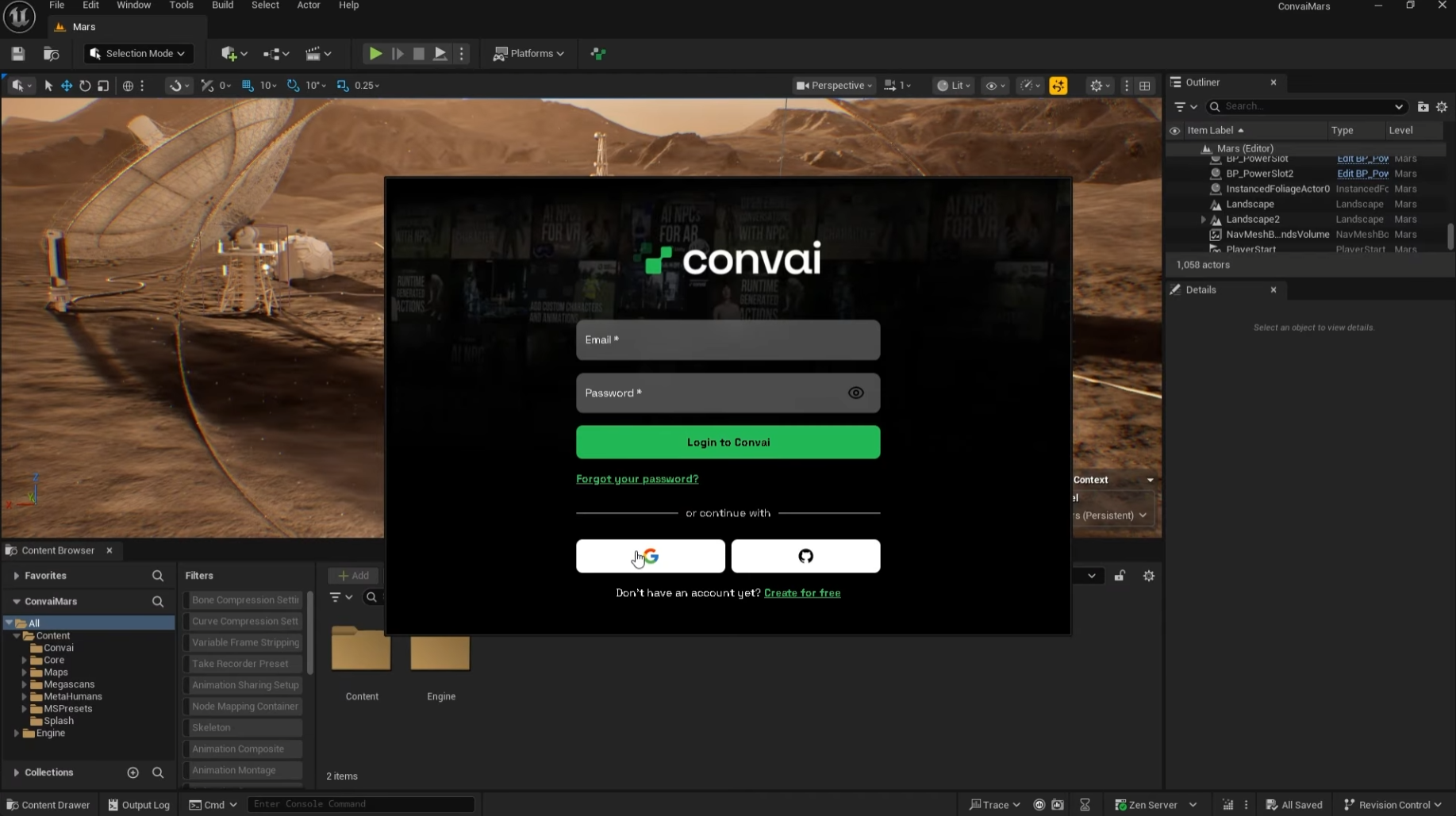
Once Unreal restarts, the Convai setup panel should pop up.
Your engine is now connected. Time to wire a character into your player.
Technically, we are adding Convai components directly to the Player Blueprint.
If you aren't sure which blueprint controls your player:
In the Components panel, click + Add and select BP_ConvaiPlayerComponent. This handles microphone input and the chat UI.
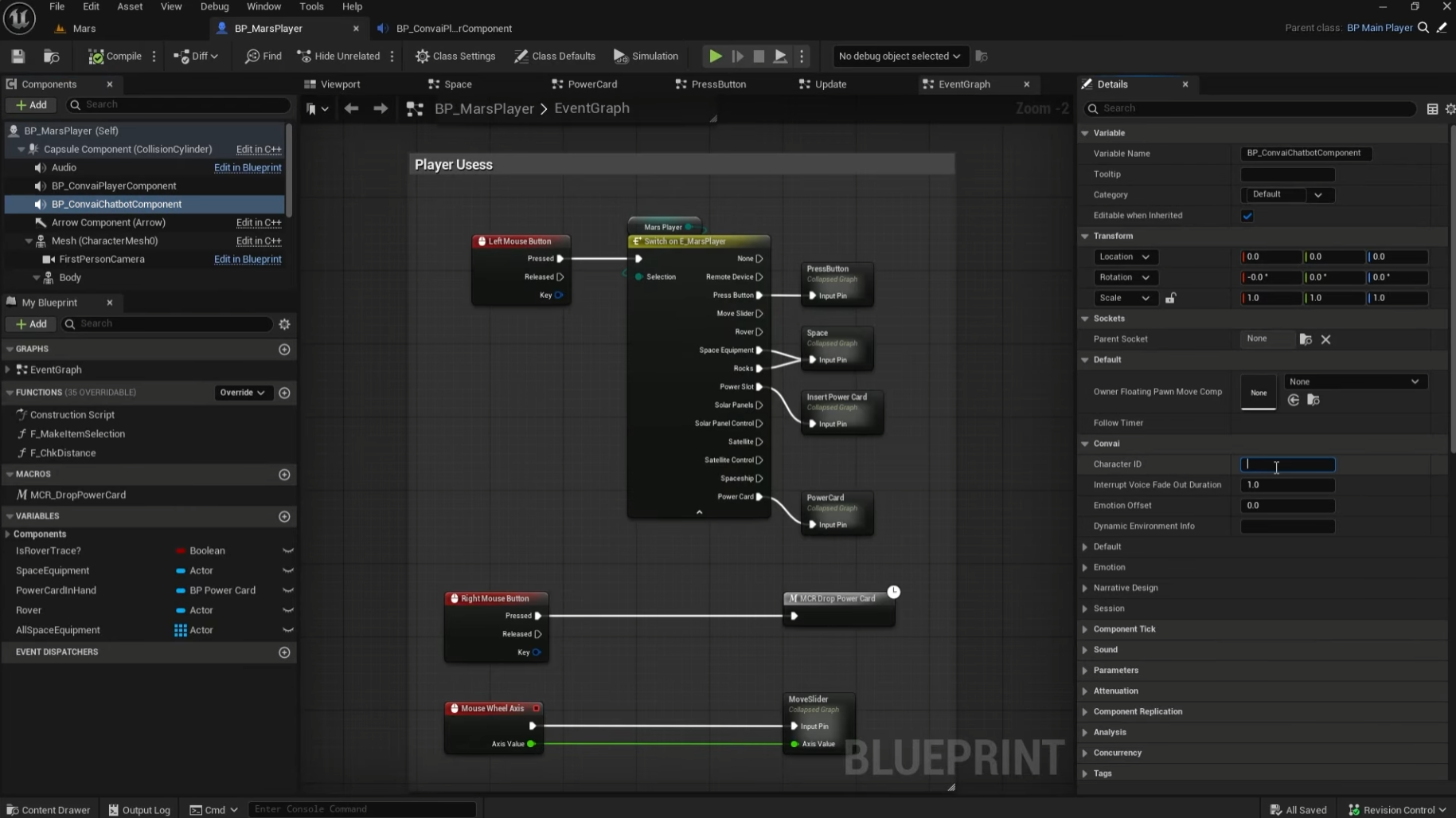
Click + Add again and choose BP_ConvaiChatbotComponent. This handles the reasoning and API connections.
Now, give it a personality:
Compile & Save.
Hit Play, hold T (default), and say "Can you hear me?" If it responds, "Acknowledged, astronaut," you've got a voice in the suit.
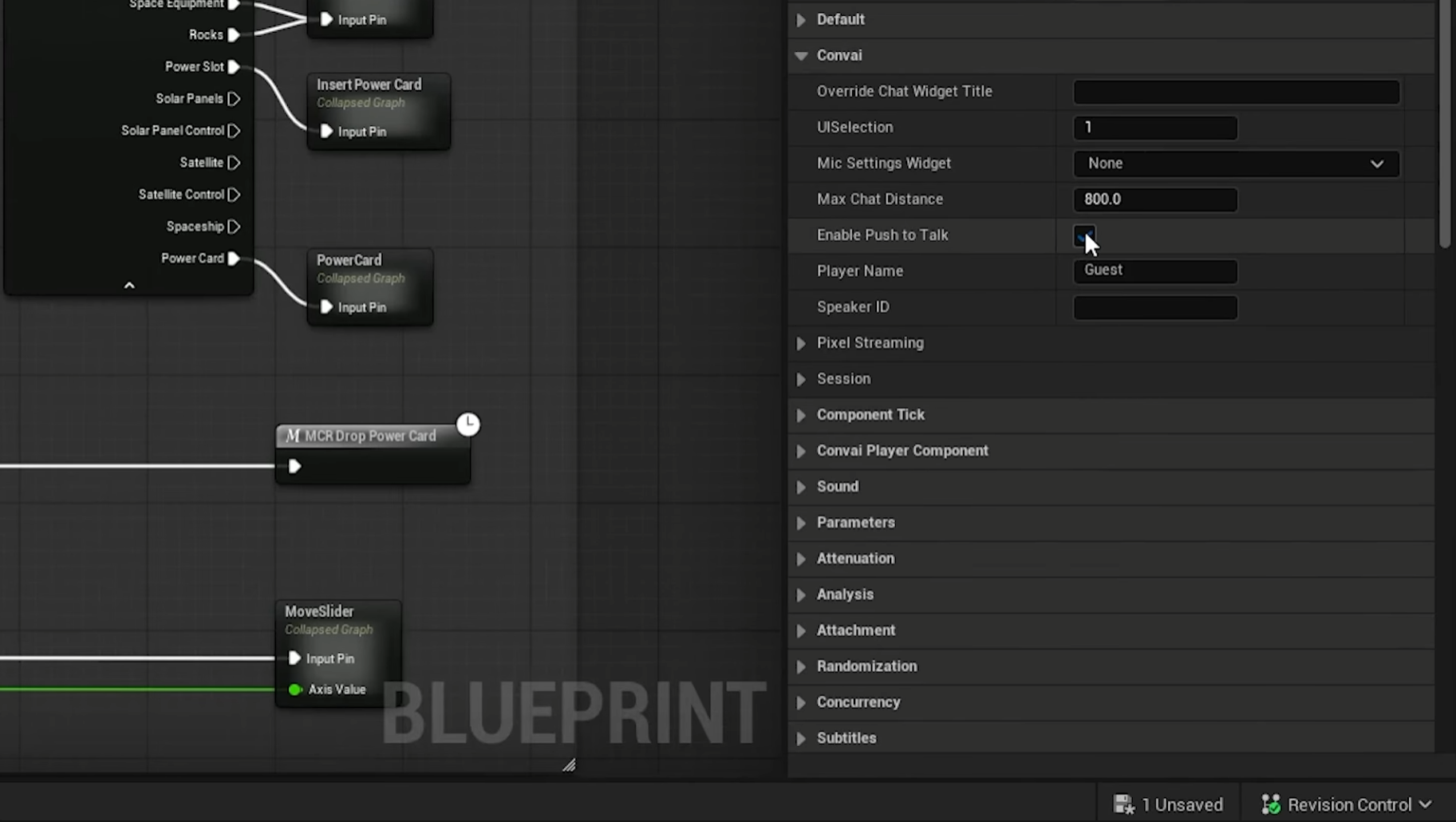
Push-to-talk is great for testing, but for a "working" simulation, you want flow.
Now just talk. "Hey, are you online?" The AI should reply: "Acknowledged. I’m listening."
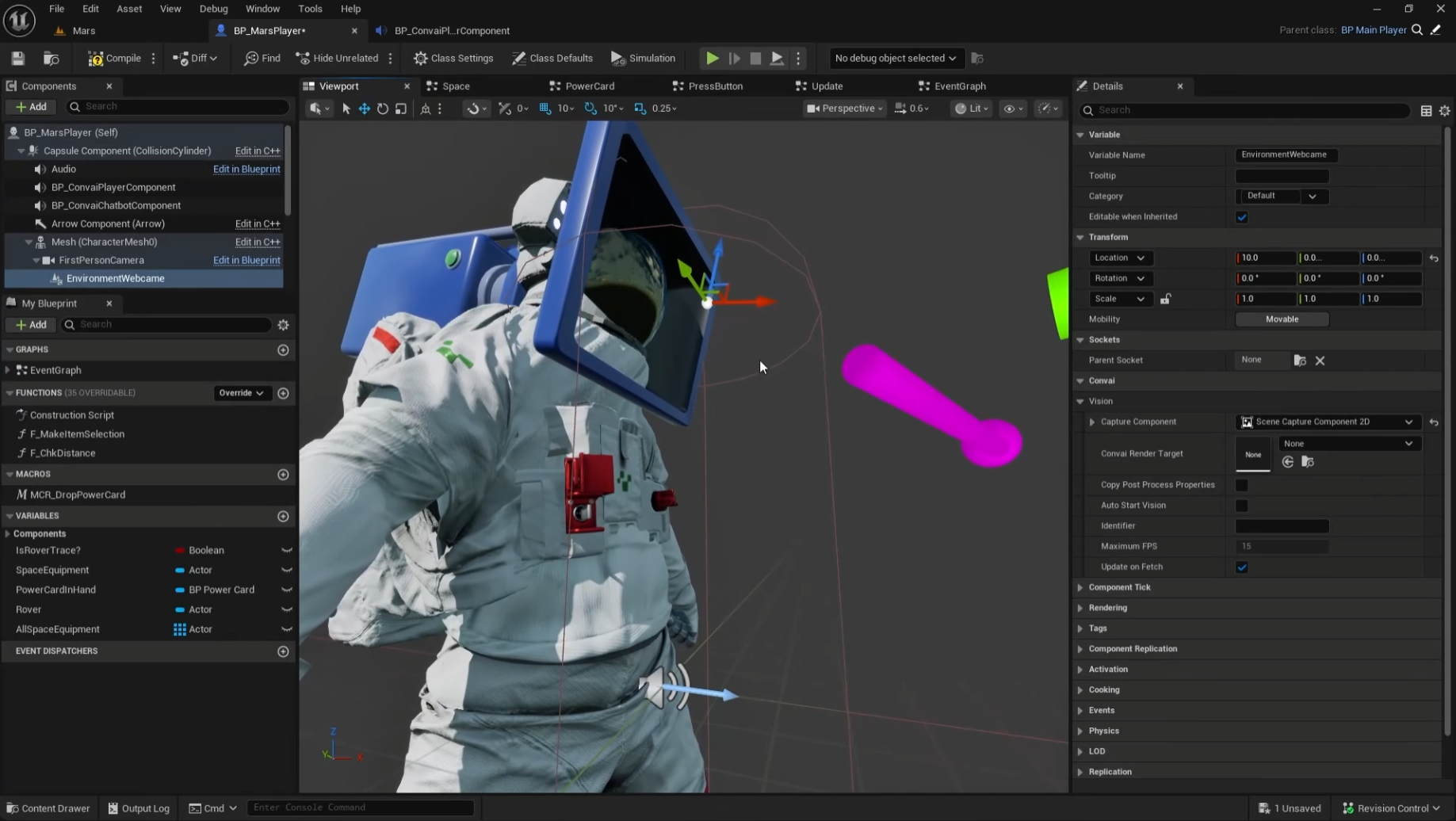
Now for the fun part: giving the AI actual sight.

Hit Play. Look at something in your scene (like a solar panel or a specific tool) and ask:
"Hey, what is that?"
You might get a response like:
"I see a solar array. The main dish is angled toward the horizon and there appears to be dust buildup on the lower struts."
Follow up naturally:
"Is it aligned correctly?"
"Negative. Initiating alignment sequence for optimal signal lock."
That’s streaming vision + conversation. The AI isn’t guessing; it’s describing exactly what your camera sees.
Once you’ve got this pattern working, you can reuse it in almost any Unreal project:
(Remember: For support, feedback, or to report bugs on the Beta, jump into the Convai Developer Forum.)
Do I need C++?
No, not if you install at the engine level. Project-level installs do require a C++ project, but the engine-level Marketplace route works fine for Blueprint-driven games.
Can I use this for characters that aren’t “in-suit”?
Yes. In this tutorial, the AI lives in the player blueprint (like an in-helmet assistant). For classic AI characters placed in the world, you’d attach BP_ConvaiChatbotComponent to that character’s blueprint instead.
Does it support lip-sync?
Not yet in the Beta build. Lip-sync support is planned for future releases.
Where do I get updates and docs?
The latest plugin releases and setup guides are available in the Convai Docs under Unreal Engine Plugin (Beta) → Installation & Setup.


